Introducing SewerAI Command Center
Last updated: July 28, 2026
Turn your inspection data into answers, deliverables, and action.
In Pioneer, your inspection data, cleaning data, asset information, risk scores, rehabilitation recommendations, projects, and maps all live in one place.
Behind every record is real work: the work done on a cleaning truck, pushing a lateral line, opening a rusty manhole cover, and the long days reviewing, correcting, and preparing information that keeps critical infrastructure moving.
But collecting, storing, and managing that data isn't the outcome. Its value shows up when it's connected, understood, and turned into the decision you need to make, the deliverable you need to produce, or the action you need to take next.
Built directly into Pioneer, Command Center works where your data and workflows already live, without requiring you to move information into another system or start from scratch.
Rather than juggling searches, filters, exports, spreadsheets, and manual reviews, you can now start with the outcome you want. For example, you might want to pinpoint what’s slowing down a project, prioritize assets that need attention, prepare work for billing or delivery, build a customer-ready report, or scope a rehabilitation plan. With Pioneer, you can tackle each of these tasks directly in one place, moving seamlessly from question to action without ever leaving the platform.
Command Center is more than an assistant. It's a partner that brings together your work, your data, your expertise, and the capabilities of Pioneer to create a clearer path to action.
Getting Started
First, log into Pioneer and look for Command Center in the left navigation menu.
Next, click Command Center to open the workspace.
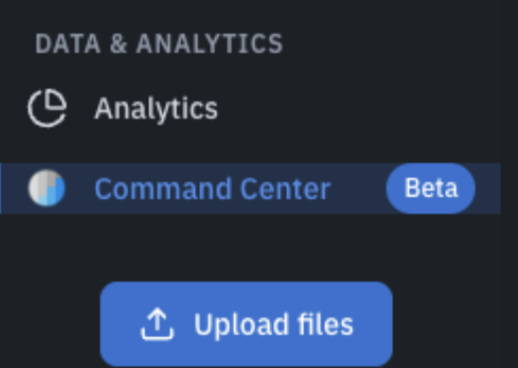
Finally, once inside, select one of the suggested starting points and explore what Command Center can do.
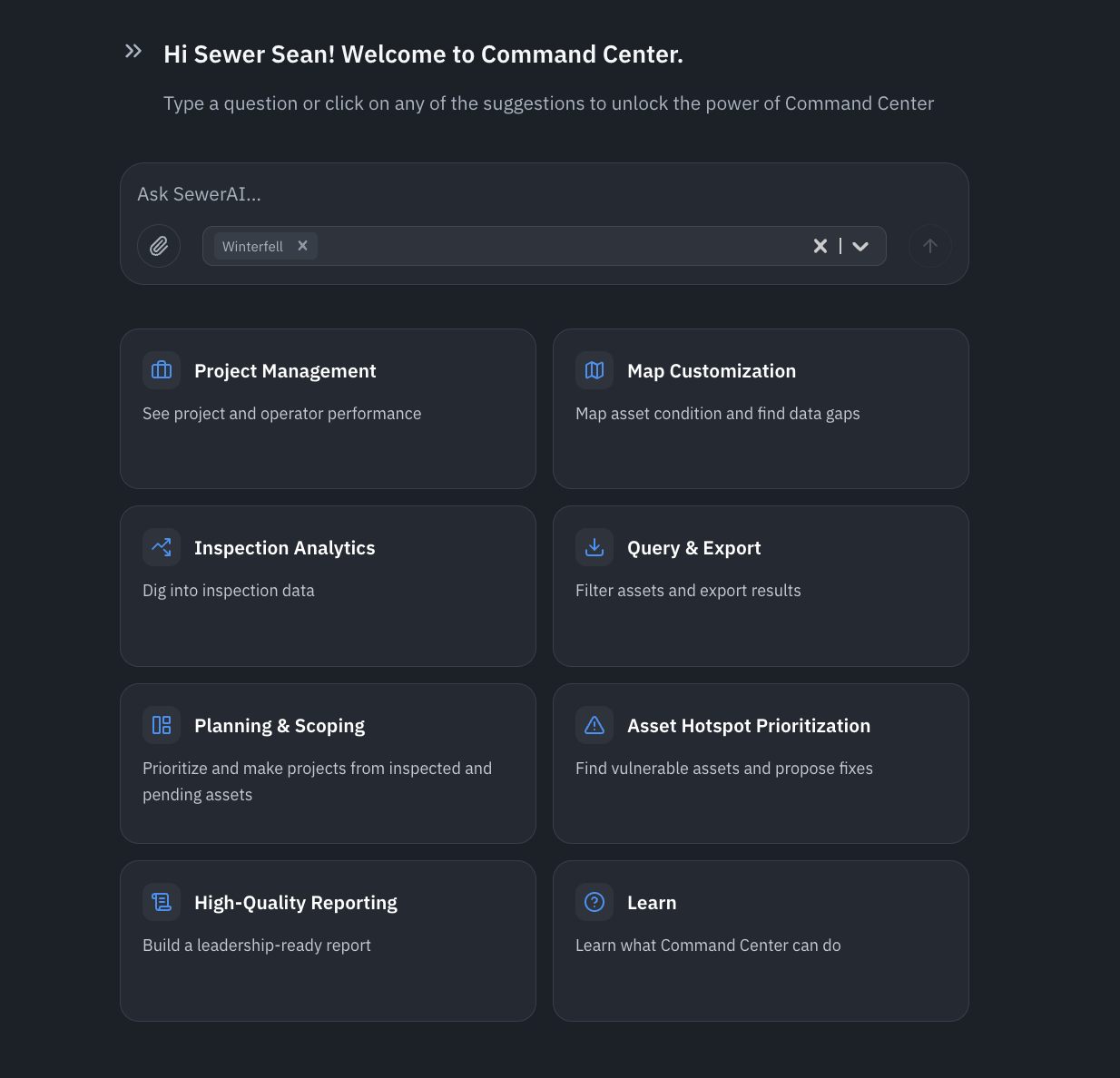
Each option includes guided prompts and examples to help you see what's possible without having to think of the perfect question yourself.
The eight starting points include:
Project Management
Review project progress, track operator performance, and understand where work may need attention.
Map Customization
Visualize asset condition, identify data gaps, and create maps that help reveal what is happening across your system.
Inspection Analytics
Dig into inspection data to understand defects, conditions, trends, and other important findings.
Query & Export
Find the assets or inspections you need, apply filters, and export the results for continued use.
Planning & Scoping
Prioritize inspected and pending assets, define project scope, and begin building rehabilitation or maintenance projects.
Asset Hotspot
Prioritization Identify vulnerable assets, understand what is driving risk, and explore potential next actions.
High-Quality Reporting
Turn Pioneer data into polished, leadership-ready and customer-ready reports.
Learn
Explore example prompts, discover common workflows, and learn more about what Command Center can do.
We recommend starting with one of these guided experiences to get familiar with how Command Center works. Once you've explored a few examples, you can begin asking your own questions and tailoring requests to your desired outcomes.
Remember, you don't need to write the perfect prompt. Command Center is designed to help you build from simple questions into richer analyses, reports, maps, exports, and planning tools.
What's Next
This beta is just the starting point. We built Command Center to learn alongside you, which questions you ask, which workflows save the most time, and where it should go next.
Click-Through Guide
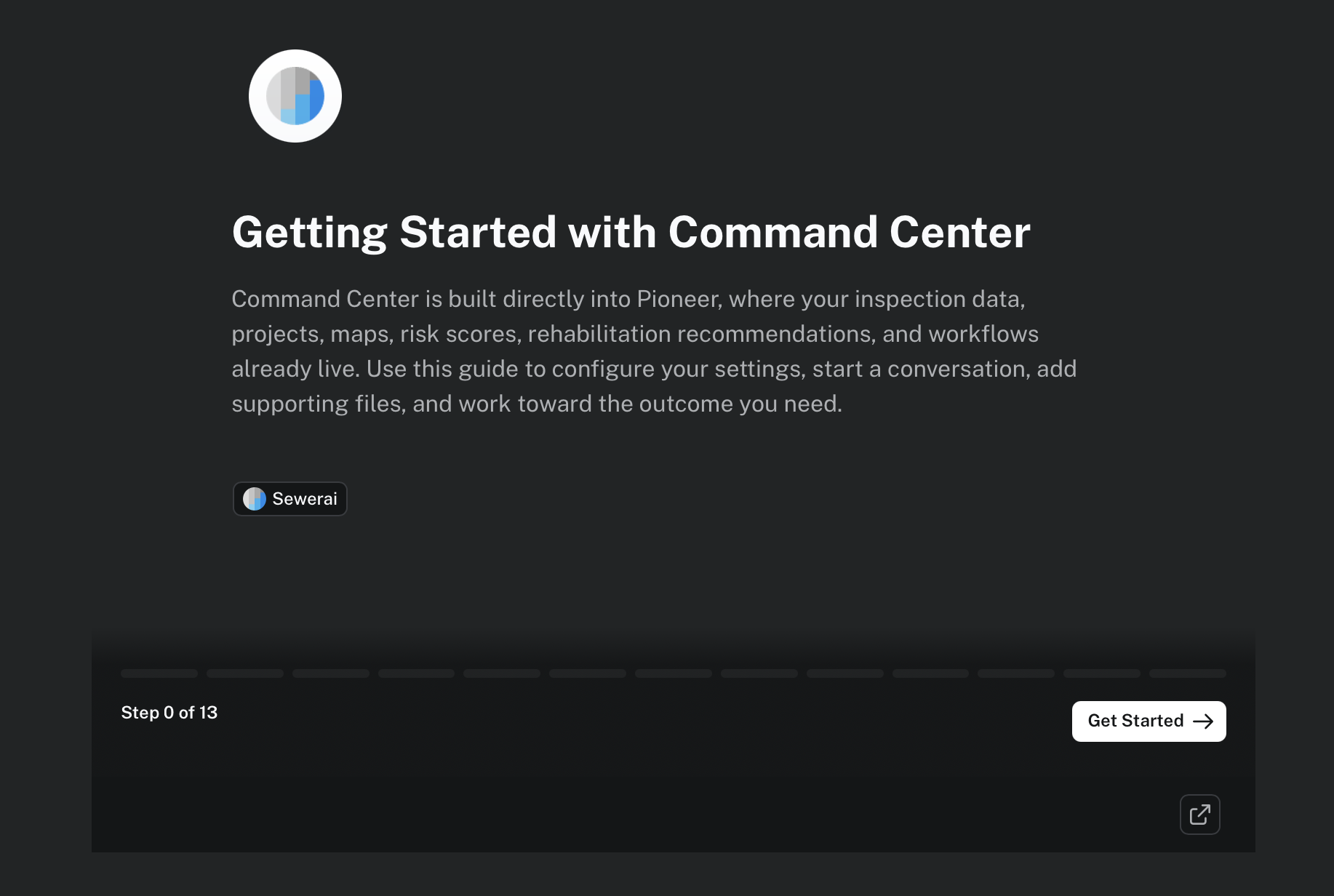
Before you dive in, check out this "Getting Started with Command Center" click-through guide.
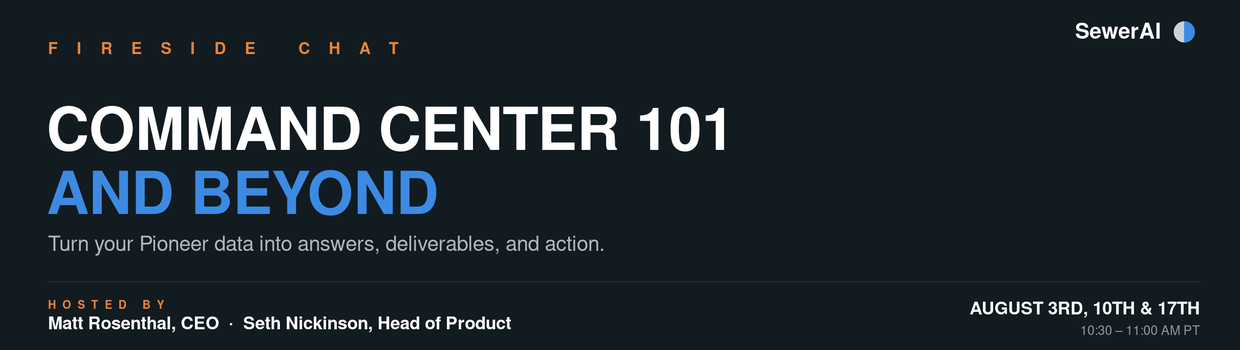
Command Center 101 Sessions: Join us for a live conversation
We're hosting three sessions, the first three Mondays in August (August 3, 10, and 17), open to all current customers. Come see new workflows, ask our product team questions directly, and help shape what's next. Look for the registration link in an email to all current customers.
In the meantime, the best way to help shape Command Center is simple: use it, and tell us what worked and what didn't. Every question you ask makes it better.
This is the future of sewer system management. Log in, look for the Command Center in the left navigation, and see what it can do with your data.